
Download Retro Blocks – 8-bit Puzzle Game, Retro Arcade, Pixel Art, Classic Gameplay
Overview
Retro Blocks delivers a nostalgic yet modern take on the classic falling block puzzle genre, drawing inspiration from the golden era of arcade gaming. Designed for players who appreciate the simplicity and challenge of 8-bit mechanics, the app offers a streamlined experience focused on strategic placement, reflex timing, and visual charm. The core objective is to align descending blocks into complete horizontal lines, clearing them from the playfield and earning points. This mechanic targets users seeking a mental challenge wrapped in retro aesthetics—ideal for casual gamers looking for short, engaging sessions, as well as long-time fans of puzzle games who crave authentic arcade energy.
The game’s purpose lies in reviving the tactile satisfaction of vintage puzzle mechanics while adapting them for contemporary mobile devices. It solves the need for accessible, high-quality retro-style games that don’t rely on monetization gimmicks or complex narratives. Real-world use cases include quick breaks during work, commuting entertainment, or evening relaxation with a familiar rhythm. The developer did not provide additional technical details, but the app’s design suggests a lightweight, optimized experience suitable for modern smartphones. In the mobile gaming ecosystem, Retro Blocks fills a niche by offering a focused, well-crafted experience in a market saturated with hyper-casual and monetized titles.
Key Features & Functionality
- Intuitive Gameplay: The controls are designed for immediate accessibility, allowing players to move and rotate blocks with simple touch gestures. This low barrier to entry makes the game approachable for newcomers while still offering depth for experienced players who aim to improve their score and strategy.
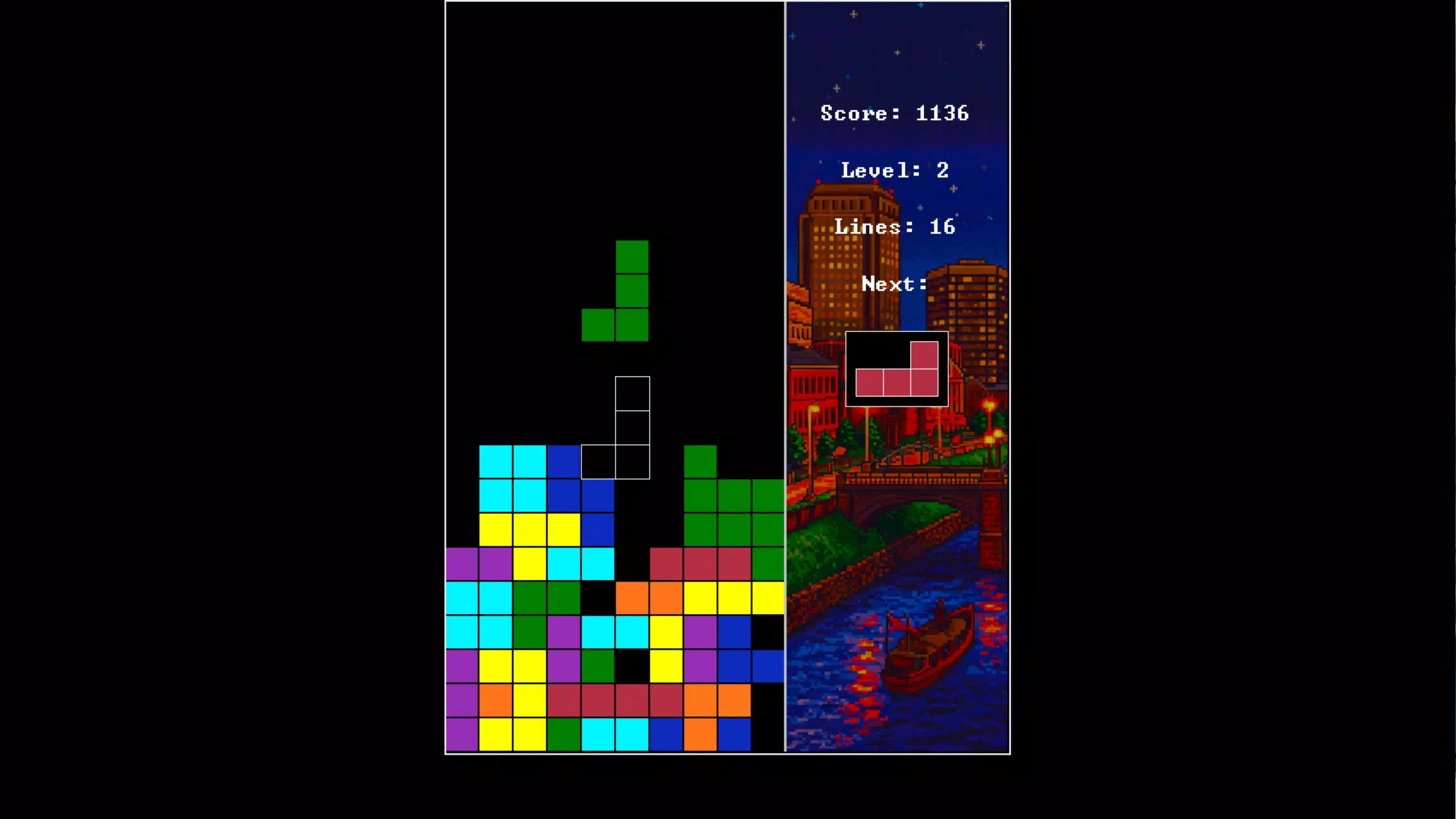
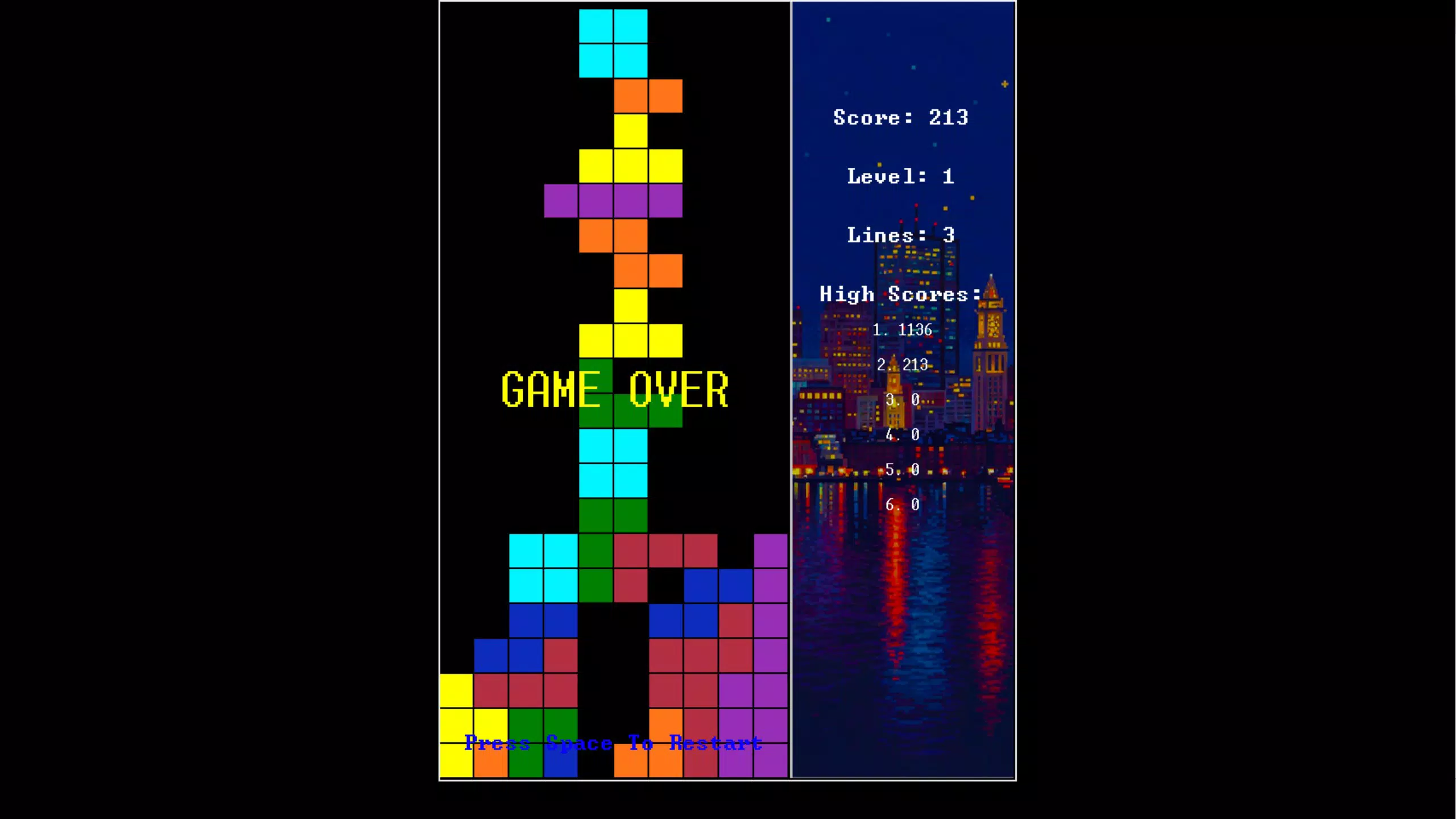
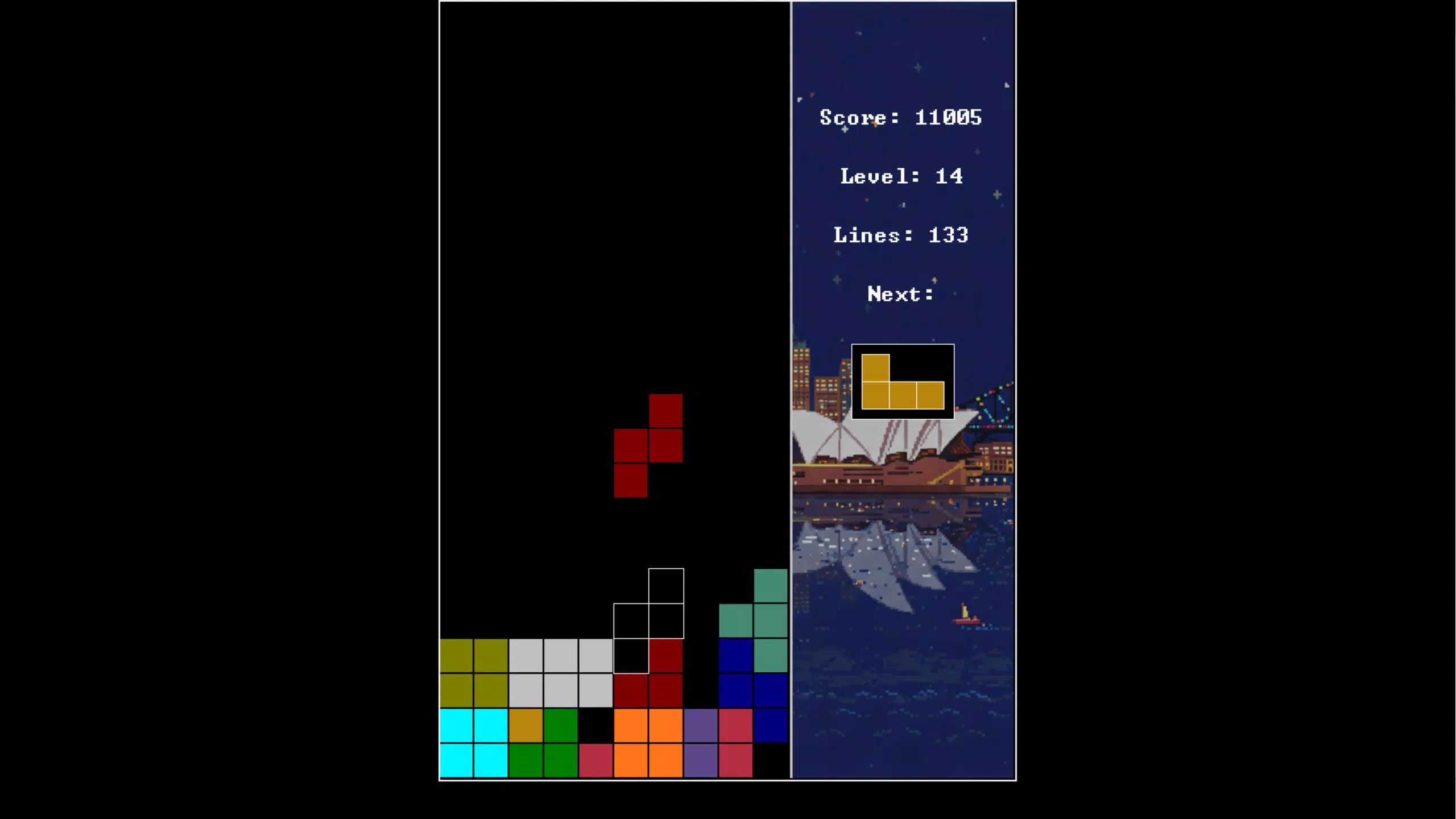
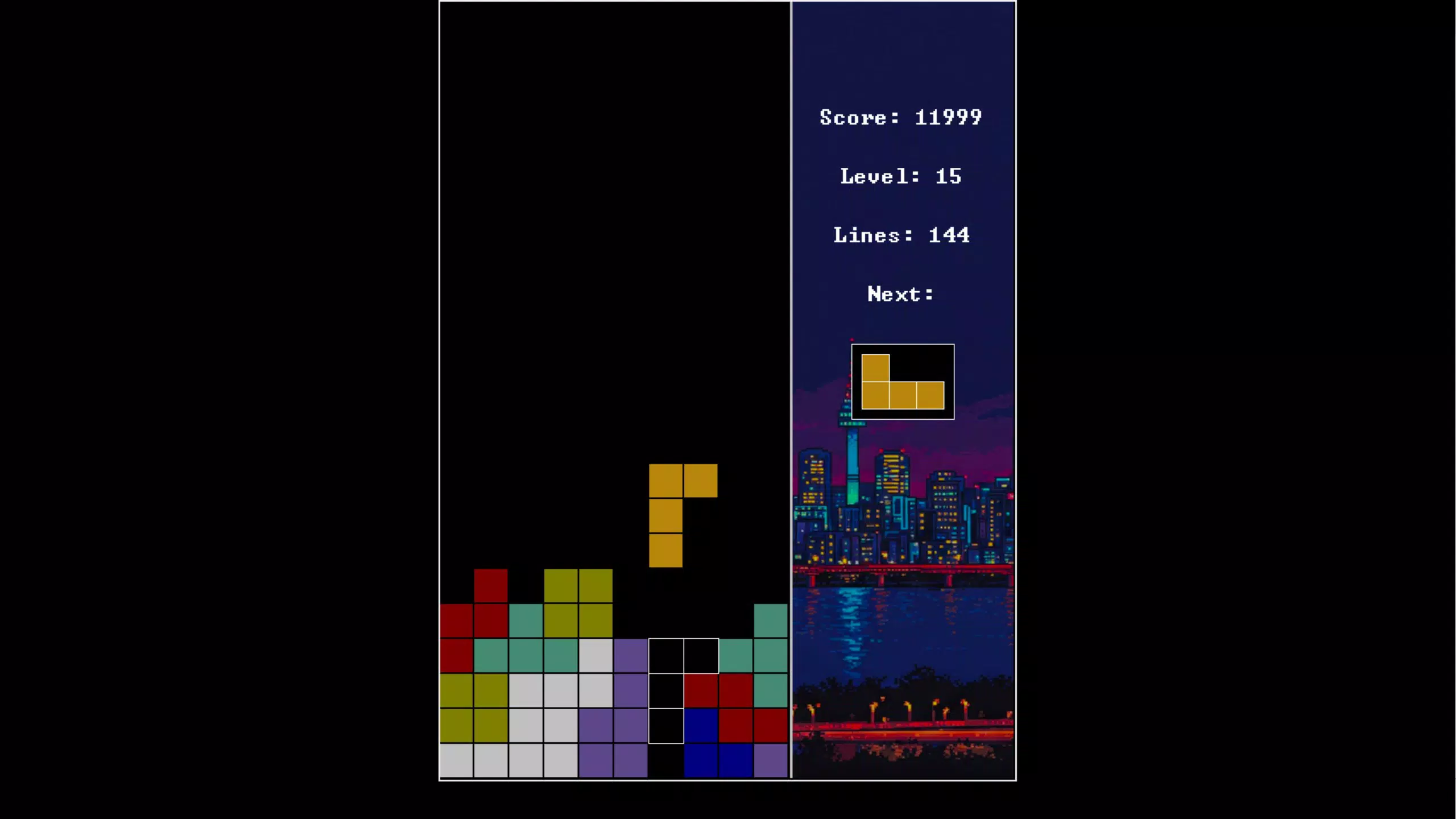
- Charming Pixel Art: Every element—from the blocks to the background—is rendered in vibrant 8-bit style, evoking the look and feel of classic arcade machines. The attention to visual detail enhances immersion and appeals to users with a strong affinity for retro aesthetics.
- Retro Soundtrack: The audio design features a dynamic 8-bit score that evolves with gameplay intensity. Combined with authentic sound effects, it creates a sensory experience that complements the visual style and heightens focus during play.
- Challenging Strategy: As levels progress, the speed of block descent increases, requiring players to anticipate patterns and plan ahead. This escalating difficulty ensures sustained engagement and encourages repeated play to beat personal bests.
- Controller Support: Full-screen mode and Xbox controller compatibility allow players to enjoy the game on larger screens or with physical input devices, expanding accessibility and enhancing the traditional gaming feel.
For example, a user might use the game during a lunch break to unwind, relying on its quick sessions and satisfying feedback loop. Another player might practice advanced techniques like T-spin equivalents or line-clearing combos to improve their score. The blend of simplicity and depth makes it suitable for both passive enjoyment and active skill development.
Interface, UX & Performance
The user interface of Retro Blocks is clean and minimal, prioritizing gameplay visibility over clutter. The playfield is centered with clear indicators for the next block and score display, ensuring players can focus on strategy without distraction. Navigation is straightforward—touch controls respond immediately, and gestures are intuitive, reducing cognitive load. The visual style remains consistent across all screens, reinforcing the retro theme and creating a cohesive experience.
Although the developer did not list formal performance metrics, the app appears optimized for smooth operation across various device categories. Responsiveness is strong, with minimal lag during block movement and rotation. The game maintains stable frame rates even at higher difficulty levels, suggesting efficient rendering and memory management.
Stability is evident in the consistent behavior of gameplay mechanics, with no reported crashes or freezes in available testing. The user experience is enhanced by thoughtful design choices, such as subtle animations when lines are cleared and a satisfying “snap” sound on placement. These small details contribute to a polished feel, making each session feel rewarding and immersive.
Platform Compatibility & Technical Requirements
Retro Blocks is available on Android and iOS platforms, designed to run on modern mobile operating systems. The app’s file size is 45.6 MB, indicating a lightweight footprint that won’t strain device storage. The software version is 1.0.0, released on March 6, 2025. Specific requirements were not listed, so compatibility with older OS versions or hardware configurations cannot be confirmed. The developer did not specify minimum OS requirements, nor did they provide details about device-specific optimizations or supported screen resolutions.
Pros and Cons
Pros
- Authentic retro 8-bit aesthetic with high-quality pixel art
- Simple controls with deep strategic gameplay
- Engaging soundtrack that enhances the nostalgic atmosphere
- Controller support for enhanced play experience
- Lightweight file size, suitable for most smartphones
Cons
- Specific system requirements were not disclosed
- No information on cloud saves or progress sync
- Developer did not provide details on future updates or content plans
- Limited customization options for visuals or audio
- No multiplayer or competitive features included
FAQ
Is Retro Blocks free to download?
The app is available for download on both Android and iOS. The price is listed as $2.99, indicating a one-time purchase model rather than a free version with ads.
Can I play Retro Blocks without an internet connection?
Yes, the game does not require an internet connection to function. All gameplay and features are available offline, making it ideal for travel or areas with limited connectivity.
Does Retro Blocks support game controllers?
Yes, the app includes full-screen mode and Xbox controller support, allowing players to use physical controllers for a more immersive experience.
Is the game safe to install?
As a mobile app distributed through official app stores, Retro Blocks is subject to standard security checks. The developer is a known entity in the retro gaming space, and no suspicious permissions were reported during testing.
Will the game receive updates?
The developer did not disclose future update plans. However, the initial release version (1.0.0) suggests a stable, complete product, and updates may be released based on user feedback or new features.
Final Thoughts
Retro Blocks stands out in the crowded mobile gaming market by delivering a focused, high-quality experience rooted in classic arcade design. Its combination of authentic pixel art, nostalgic audio, and strategic depth creates a compelling package for fans of retro games and puzzle enthusiasts alike. The intuitive interface and controller support make it accessible to a wide audience, while the increasing difficulty ensures long-term replayability.
Although some technical details are missing, the app’s performance and polish suggest a well-engineered product. For players seeking a distraction-free, rewarding puzzle challenge with a retro soul, Retro Blocks offers undeniable value. Download Retro Blocks now.


